
How do you point your own domain at your SquareUp store?
Put your store on your own web address so customers see your brand, not a platform's.
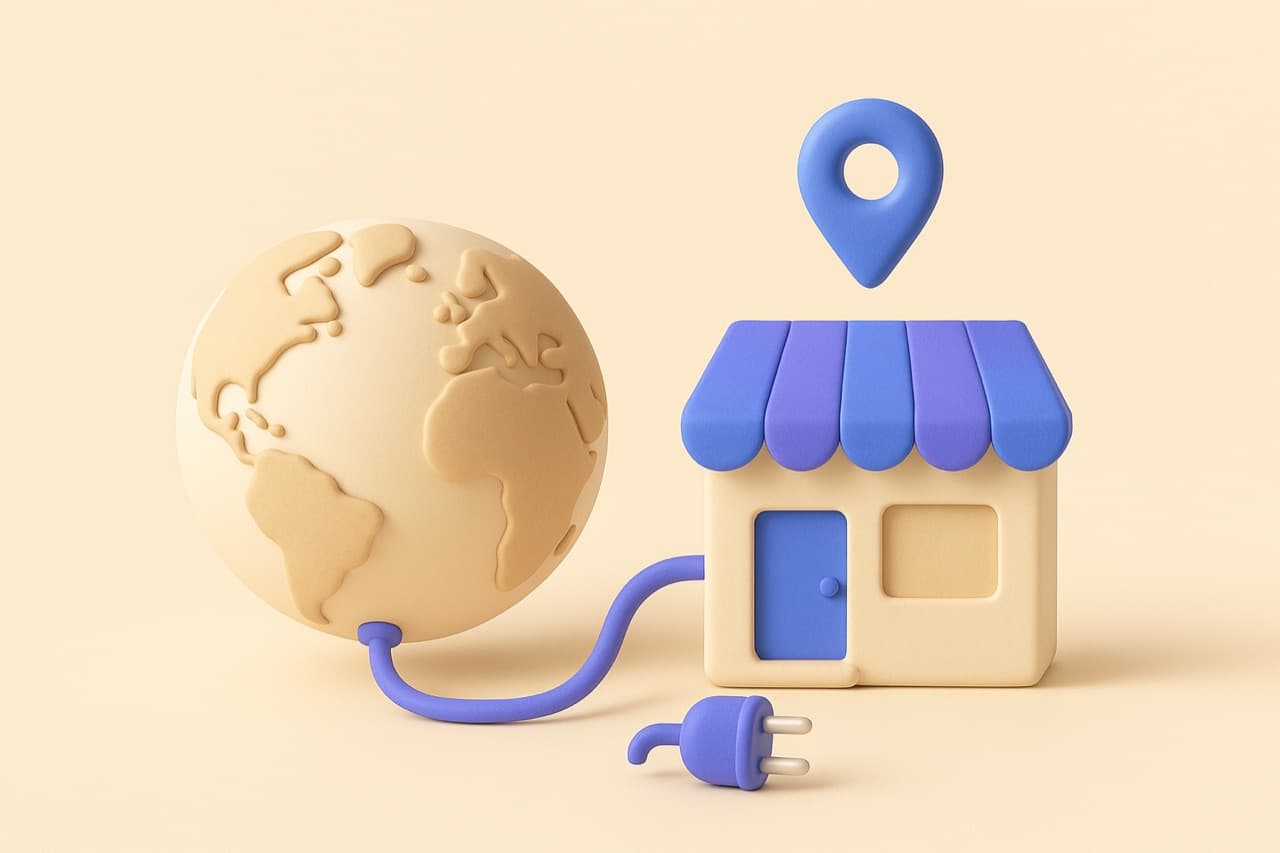
Your brand on the address bar is a small thing that does a lot. People trust a store on its own domain with a card more than one that lives on somebody else's address. It is a short, mostly copy-and-paste job.
Step 1: decide your address
Use the domain you already own, or the one customers already type. Your brand on the address bar is part of why people trust you enough to check out.
Step 2: add it in your store settings
Tell SquareUp the domain you want to use. You will get a couple of small records to add wherever you bought the domain.
Step 3: add the records at your registrar
Paste those records in at your domain provider. This is the one slightly technical step, and it is copy and paste, not code.
Step 4: wait for it to take, then test
It can take a little while to switch over across the internet. When it does, open your address in a fresh browser and check the padlock shows a secure connection.
Do this
Add your domain, paste the two records at your registrar, and confirm the secure padlock.
You get
Your store lives on your own brand's address with a secure connection, the way a big brand's does.
Was this useful?
More in Get set up
How do you move your store to SquareUp without losing your design?
Bring your existing storefront over so it looks exactly like it did, then let the team run underneath it.

What should you check before you flip your store live?
A short walk-through that catches the small things that quietly cost you sales on day one.
How do you bring your products, images, and inventory over cleanly?
Move your catalog without losing a variant, a photo, or a stock count.
Want the team that does this for you?
SquareUp is the team you don't hire. We let a few stores in at a time, and set yours up in your brand.
Join the waitlist